

AI SVG Converter Online

SVGConverter.AI turns PNG, JPEG, and WebP into crisp vectors — SVG, PDF, EPS, or DXF — or lets you describe an idea and generate fresh SVG artwork with AI. Free, fast, and entirely online.

Free to try · No sign-up required

Original raster image
Vectorized result

Why SVG Converter

One SVG converter for every direction your files travel

Vectorize a photo, rasterize a vector, or generate artwork from a sentence. Here are the five things this SVG converter does better than the tab you had open before.

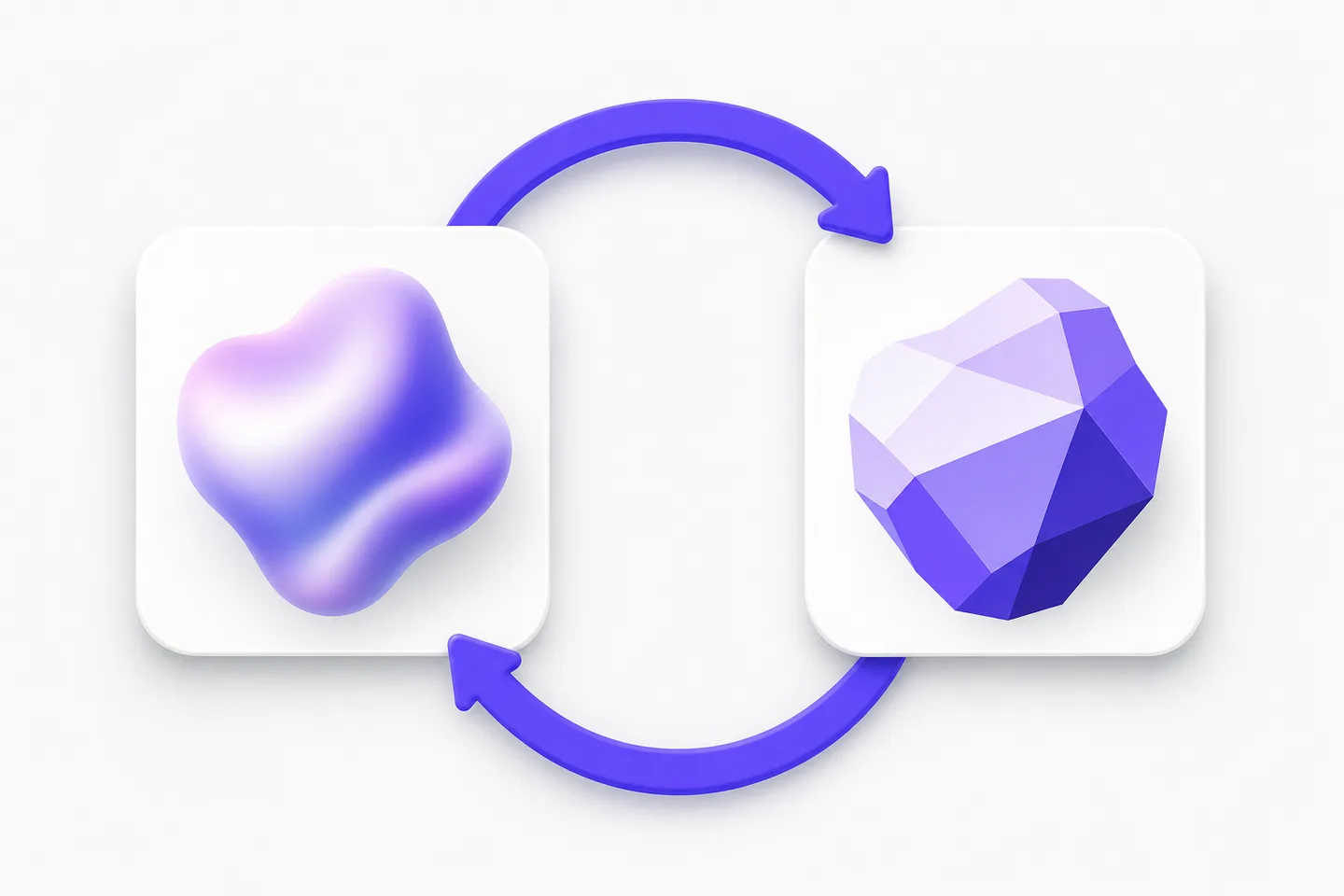
Two cards linked by a circular arrow, showing the SVG converter working in both directions

Both directions, one tool

Most tools only do half the job. This SVG converter turns PNG, JPG, and WebP images into clean vectors, and turns SVG, PDF, EPS, and DXF files back into PNG, JPG, WebP, AVIF, or GIF. One bookmark covers the whole round trip: vectorize a scanned logo for signage in the morning, then rasterize the finished artwork for a product listing in the afternoon. Because both paths run through the same SVG converter engine, colors, proportions, and edge quality stay consistent no matter which way your file happens to be moving.
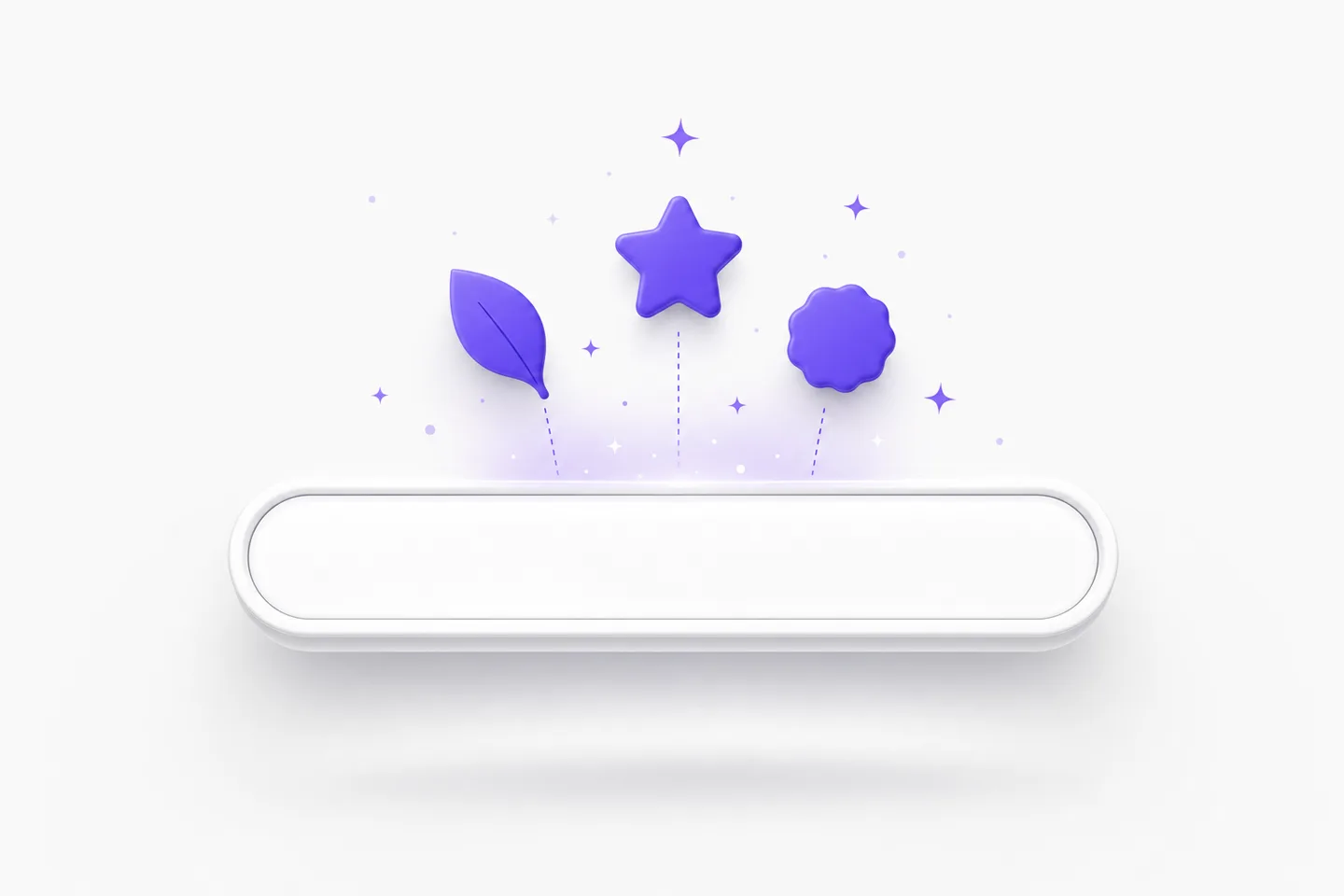
A prompt bar generating vector shapes with the AI SVG converter

Describe an idea and get vector artwork back

When you have nothing to upload, the SVG converter can draw for you. Type a sentence — a minimal mountain badge, a line-art coffee cup, a set of matching finance icons — and AI returns real vector artwork with layered, editable paths rather than a flat picture. Keep refining in plain language until the shape is right, then download it. It is the fastest way to fill a gap in a deck, a landing page, or an icon set, and it lives beside every other SVG converter tool so nothing needs installing.

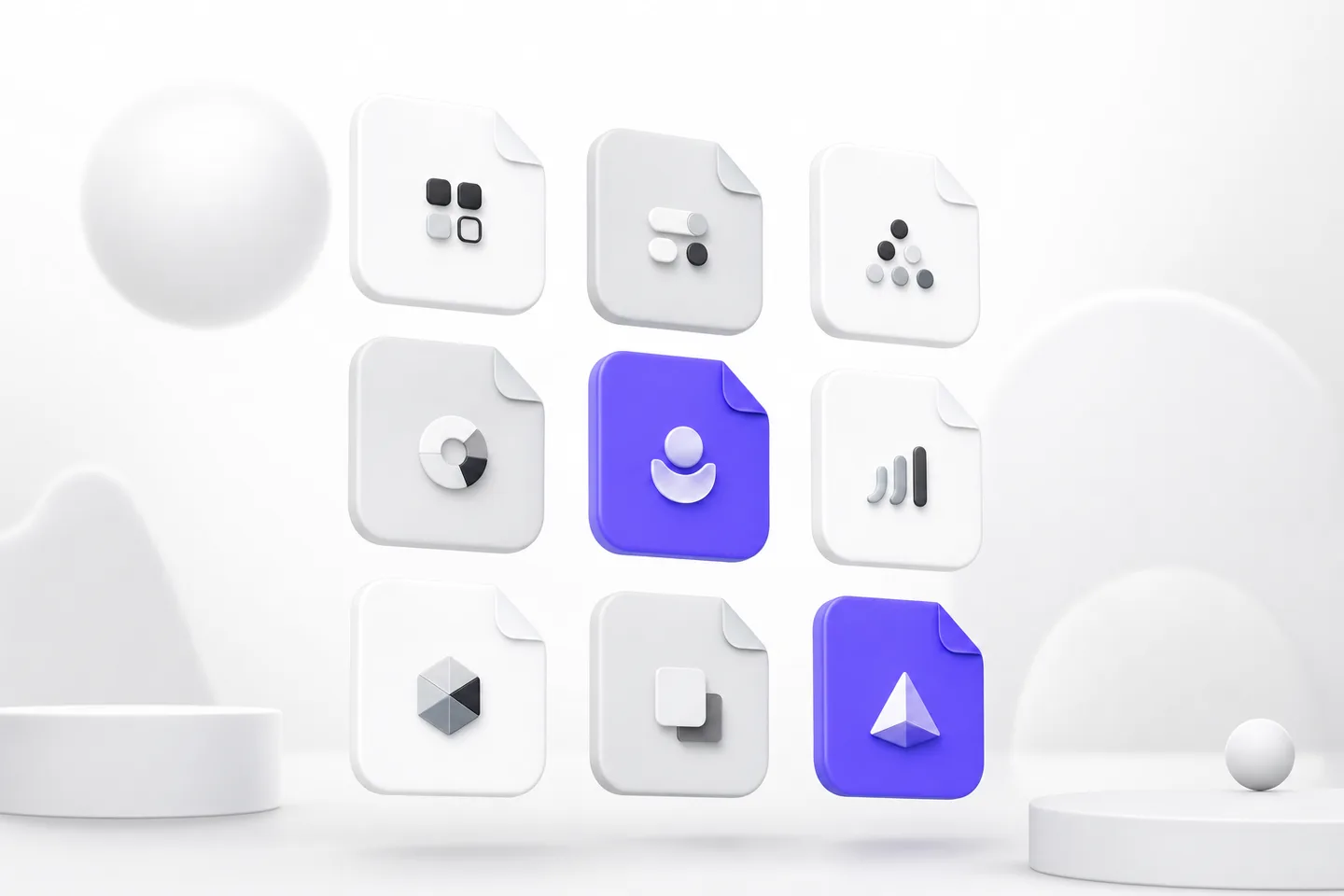
A grid of file format tiles supported by the SVG converter

Every format your destination asks for

Different workflows demand different files, and an SVG converter that only speaks one of them creates busywork. Choose SVG for the web and animation, PDF for documents and proofs, EPS for commercial print and embroidery, or DXF for laser cutters, plotters, and CAD. Going the other way, pick PNG for transparency, JPG for universal compatibility, WebP or AVIF for fast-loading pages, and GIF for simple loops. Every option is one click away in the same SVG converter, so you never hunt for a second tool mid-project. Pick the destination first and let the tool handle the rest.

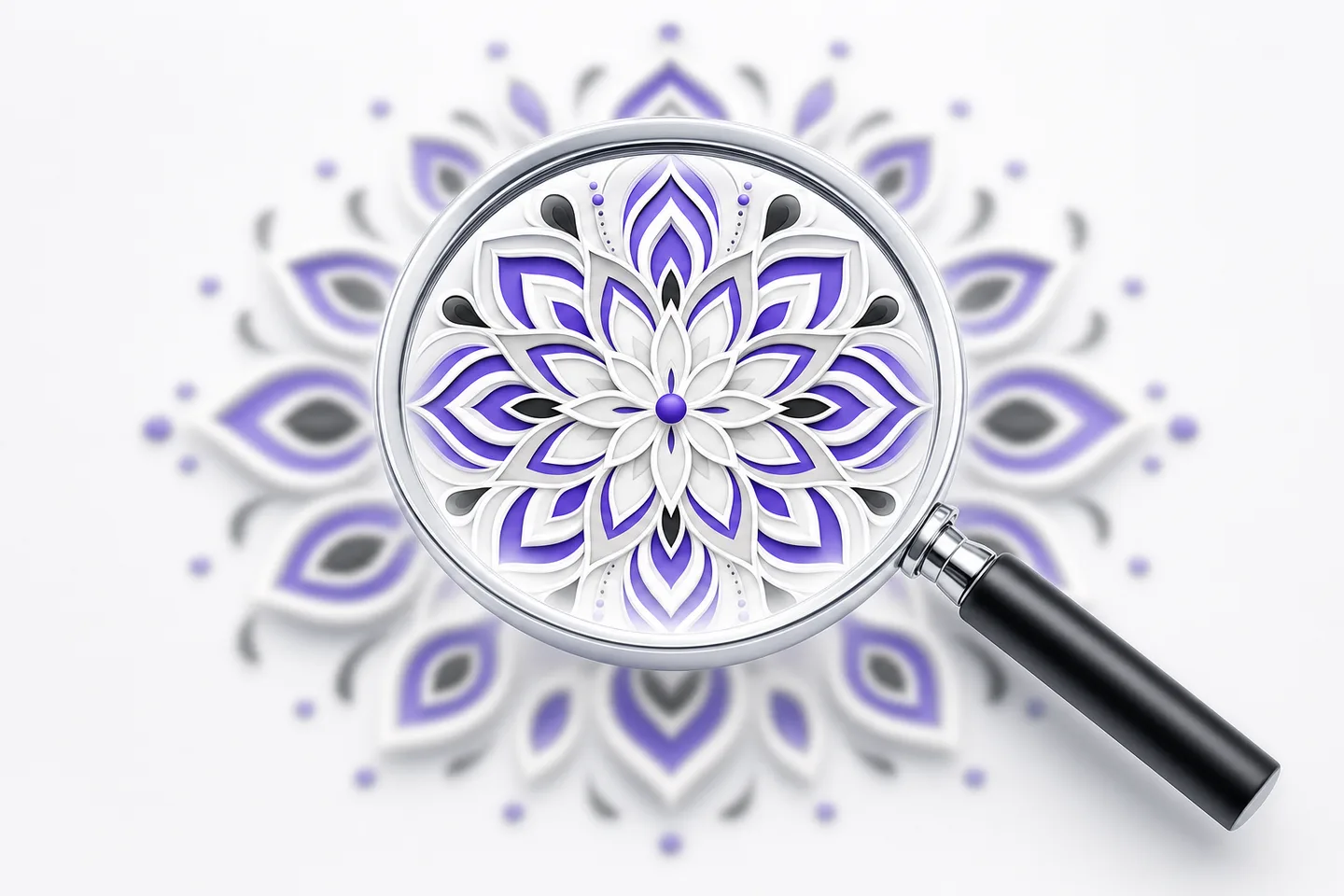
A magnifier showing sharp detail in SVG converter output

Detail that survives being zoomed into

Quality is the whole point of an SVG converter, so ours studies your artwork before drawing anything. Edges are followed at sub-pixel accuracy, palettes are clustered so brand colors come back exact, and paths are placed in a sensible stacking order with a node count you can actually edit. Compression artifacts and scanner noise get cleaned up rather than traced. The result holds crisp corners and smooth arcs at the same time — zoom to 3000% and the SVG converter output stays sharp instead of dissolving into pixels or jitter. Fine lettering and hairline strokes survive the trip too.

A browser window with a padlock and lightning bolt representing the free private SVG converter

Free, private, and no sign-up

There is no account to create, no trial to start, and no watermark on anything this SVG converter produces. Files travel over an encrypted connection, are used only to build your download, and are deleted automatically afterward, so client work and unreleased designs never linger on a server or feed a training set. Everything runs in the browser, which means the SVG converter behaves the same on macOS, Windows, Linux, ChromeOS, and phones. Most conversions finish in a couple of seconds, so checking a file costs you almost nothing, and there is nothing to uninstall when you are done.

Loved by makers

Designers, developers, and print shops made it their default

Studios, storefronts, and solo makers tell us the same thing: one SVG converter replaced a folder full of half-working bookmarks.

I used one site to vectorize logos and another to export PNGs, and both nagged me to subscribe. This SVG converter does both, keeps the colors honest, and never asked for my email. It is now the only image tool pinned in my browser, which says plenty.
Andre WhitfieldAndre WhitfieldPrint production lead, Halden Press
Half my week is preparing client artwork for large-format print. Having one SVG converter that handles tracing and rasterizing means fewer file round-trips and far fewer emails asking for a better version. The paths come through tidy enough to edit straight away.
Jonas LindqvistJonas LindqvistFront-end engineer, Tellwise
The AI generation surprised me most. I described a set of six matching icons, got clean layered SVGs, and shipped them the same afternoon. Between that and the conversion tools, this SVG converter covers nearly everything I used to open a design app for.
Beatrice HoffmanBeatrice HoffmanMarketing manager, Vela Foods

SVG converter

Frequently asked questions

Yes. Every tool in this SVG converter is free to use, with no account, subscription, or watermark. Convert as many files as normal design work requires, and use the results in personal and commercial projects. Nothing genuinely useful sits behind a paywall.

Upload PNG, JPG, or WebP to get SVG, PDF, EPS, or DXF back. Upload SVG, PDF, EPS, or DXF to get PNG, JPG, GIF, WebP, or AVIF. The AI side of the SVG converter generates fresh SVG artwork from a text prompt with no upload at all.

No. The SVG converter runs entirely in your browser, so there is nothing to download, license, or keep updated. It works the same on macOS, Windows, Linux, ChromeOS, tablets, and phones — useful when you are away from your main machine and still need a file converted.

Vector output is fully editable. Open an SVG converter download in Illustrator, Affinity Designer, Figma, Inkscape, or a CAD program and you can move nodes, recolor fills, and rescale with no loss. Raster exports are finished images, so keep the vector as your master file.

They travel over an encrypted connection, are processed only to create your download, and are deleted automatically soon afterward. The SVG converter never sells, publishes, or trains models on your uploads, so confidential logos and unreleased artwork stay private. That policy covers every tool on the site, including AI generation.

Put the SVG converter to work in ten seconds

Pick a direction, drop a file in, and download the result — a complete SVG converter with no account, no install, and no watermark.